Screen Recording
Select the area you need and capture only what matters.
Fionn Screen Recorder
Create HD screen recordings with audio and webcam video. Capture your full screen, a window, or a selected area, then save the result in a range of formats.
For Gaming, Learning, Teaching, and Work
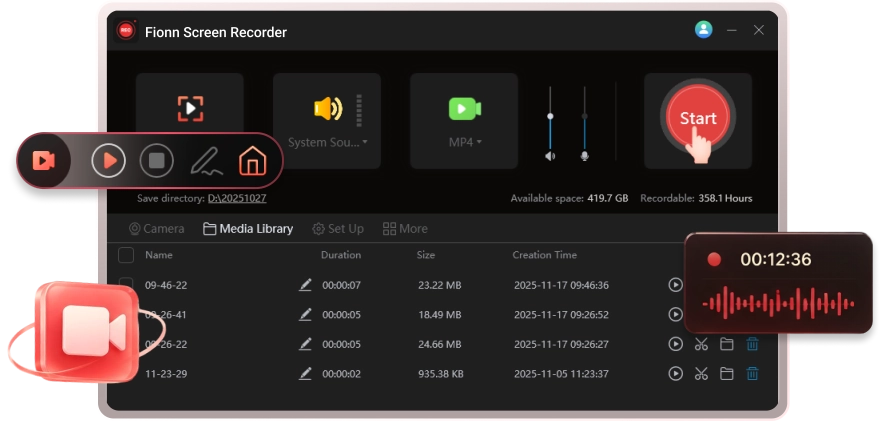
Choose the recording area and audio source that suit your needs, and record your screen and webcam at the same time.
Select the area you need and capture only what matters.
Capture everything on your screen.

Record one application window while keeping everything else out of view.

Select any part of the screen for precise, focused recording.

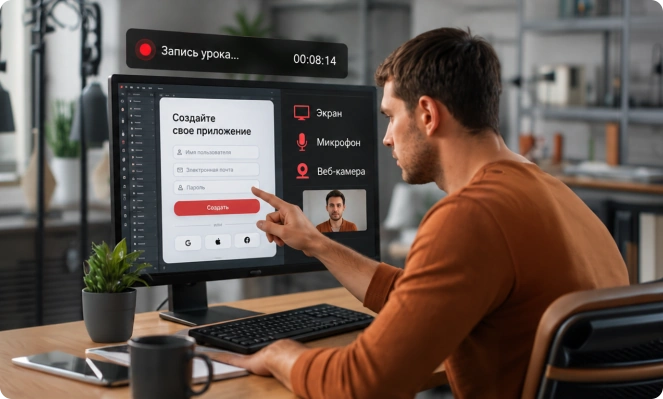
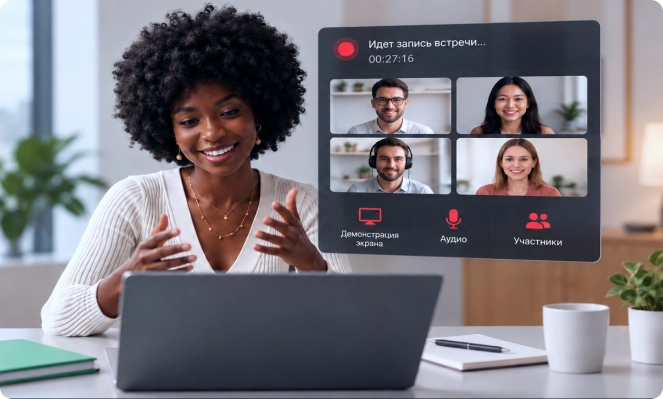
Record games, classes, tutorials, and work meetings - anything worth keeping.
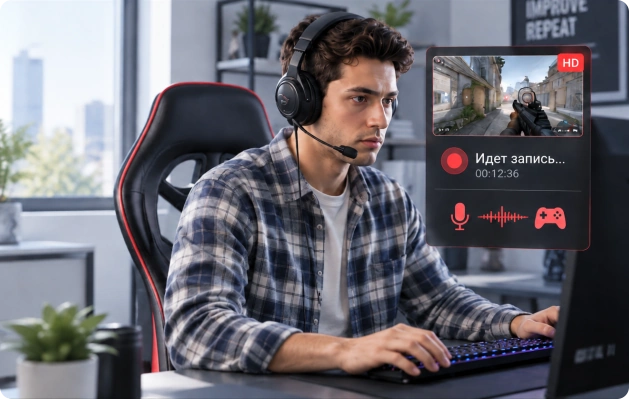
Capture exciting gameplay and save every moment that matters.
Record gameplay and audio to preserve your best moments or an entire playthrough.
Balance sharp image quality with smooth motion, and save recordings in a variety of video and audio formats for any workflow.
Capture every on-screen detail clearly. High-resolution recording preserves the content and fine details exactly as they appear.
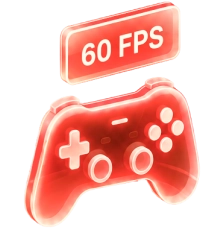
Keep fast-moving scenes fluid and natural. High-frame-rate recording is ideal for gameplay and other rapid on-screen action.
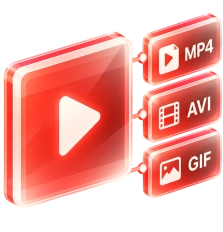
Save recordings in MP4, AVI, or GIF, and audio in MP3 or WAV, so your content is easy to store, share, and reuse.
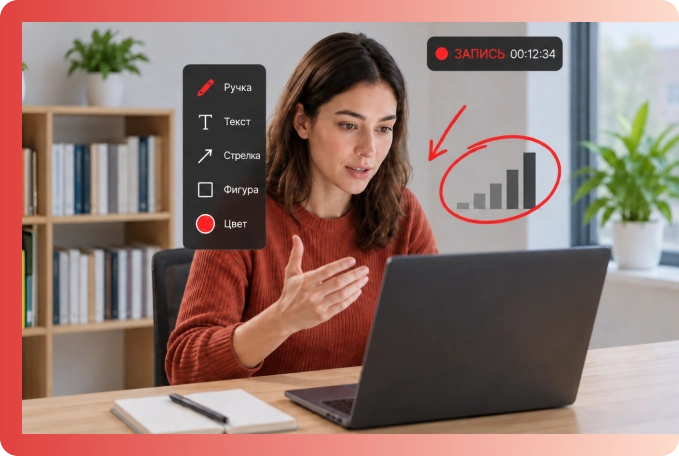
Add annotations while recording and edit your video as soon as you finish - everything you need to capture and refine your content efficiently.
The app supports Windows 10 and Windows 11 and runs on compatible devices using either operating system.
 Fionn Screen Recorder
Click to download and start recording your screen.
 Free Download
Copyright © 2025 Wonderful Apps Limited.
 English
 Start for Free