Step 1: Set up the recording area
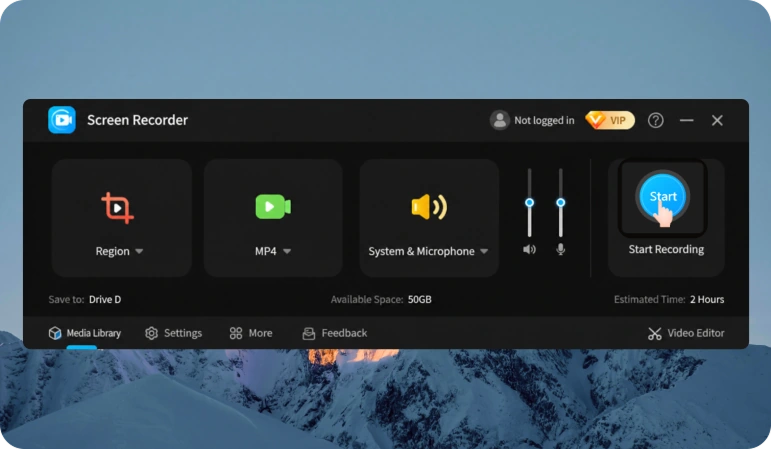
Select the entire screen, window, or desired area before starting recording.
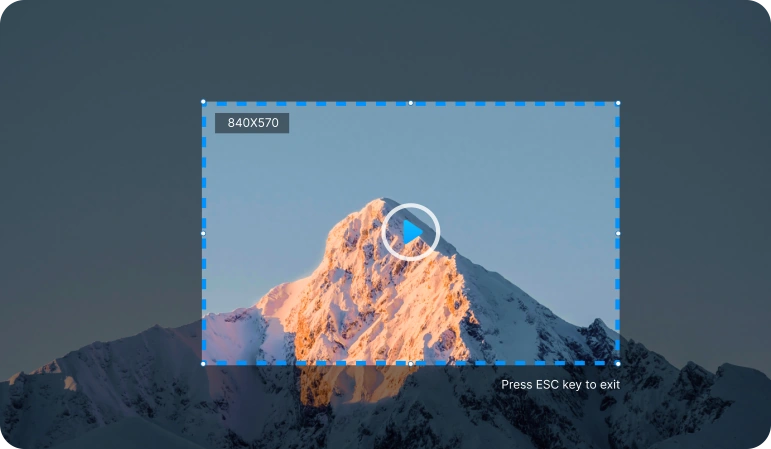
Record your entire screen, a specific window, or a selected area. Capture system audio and your microphone while saving high-quality video.
 Free Download
 High-quality screen recording System audio and microphone recording Windows 11/10 support
Use one app to record for work, study, gaming, online meetings, and video creation.
Record the entire screen or a selected area in high quality.
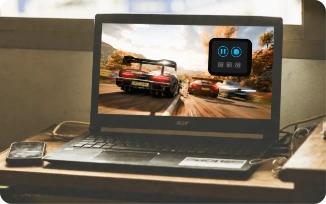
Capture smooth gameplay and save your best moments.
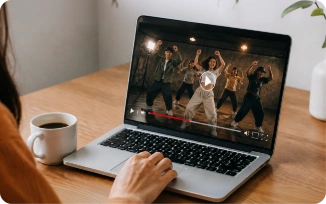
Create videos, demos, and training materials.
Record meetings on Zoom, Microsoft Teams, Google Meet, and other services.
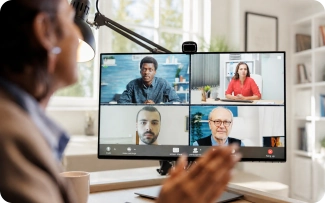
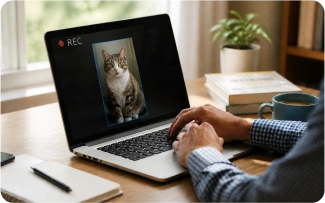
Record webcam video separately or alongside your screen.
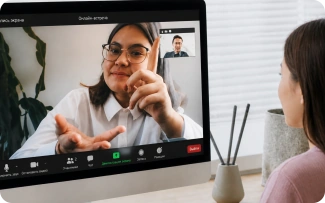
Record system audio, your microphone, or both at the same time.
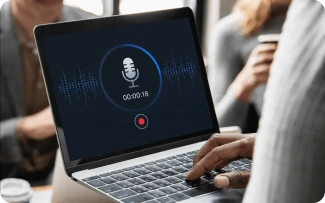
Flexible recording settings make it easy to create high-quality videos for any task.
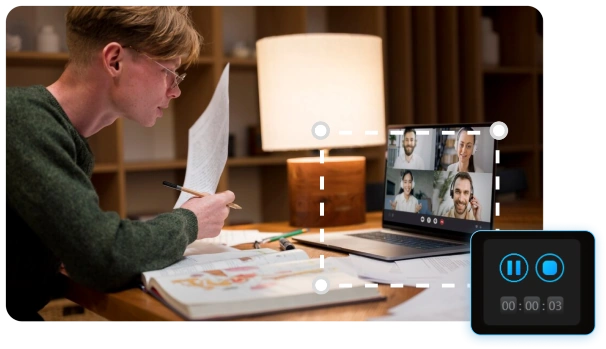
Record the entire screen, a window, or a selected area.
Free DownloadSelect the entire screen, window, or desired area before starting recording.
Start with one click, and capture audio and webcam video at the same time when needed.
Export your recording in a widely used format for work, learning, or publishing.
We made screen recording simple, convenient, and high-quality, so you can focus on what matters most.
Record the entire screen, a selected window, or just the area you want.

Record in high definition so every detail remains clearly visible.

Export clean, ready-to-use recordings without unwanted elements on the screen.
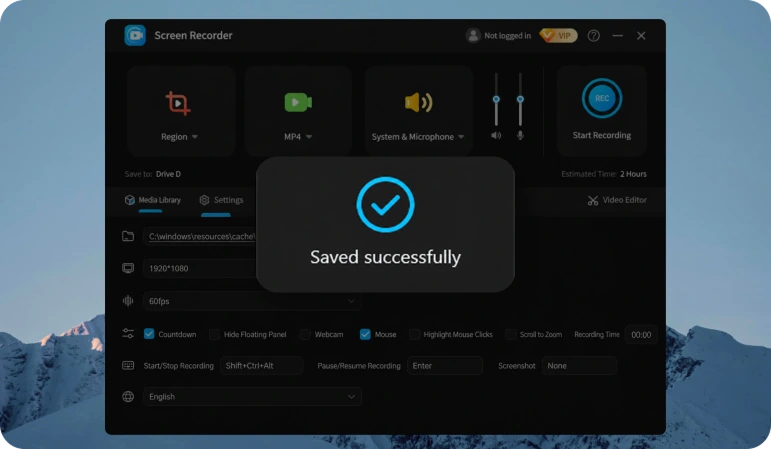
Once recording is complete, the video is automatically saved so you don't lose anything.

Continue working while the app records in the background.
Save recordings in popular formats for easy viewing and sharing.
 Alexander
Recording online lessons is so convenient — now I can review them whenever I want.
 Catherine
The video and audio quality are excellent. The recordings are genuinely enjoyable to watch.
 Dmitry
The interface is so simple and intuitive that I figured it out in just a couple of minutes.
 Anna
AnnaI love that recordings are saved automatically as soon as I finish. It’s very convenient.
 Anya
AnyaGiving feedback with a screen recording and voice-over is ten times clearer than writing a long email.
 Leo
LeoInstant replay is a must-have! Now I never miss an important gaming moment.
 Ben
BenAudio from my digital audio workstation is captured losslessly and stays perfectly in sync. It’s ideal for music lessons.
 Ryan
RyanFrame-rate and GPU metrics are captured alongside my webcam, and everything stays perfectly in sync. My tech reviews look professional.
 Screen Recorder
Install the app and record your Windows screen quickly and easily, with no complicated setup.
Free Download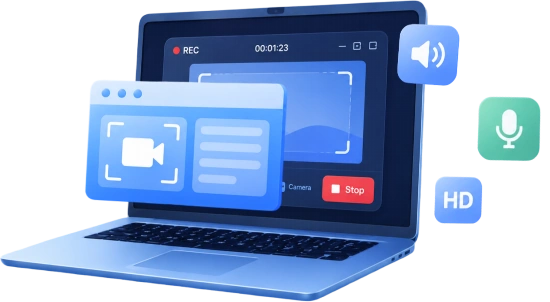
Copyright © 2025 Wonderful Apps Limited.
 English
 Start for Free